
Photo Booth With Digital Sharing: How It Works
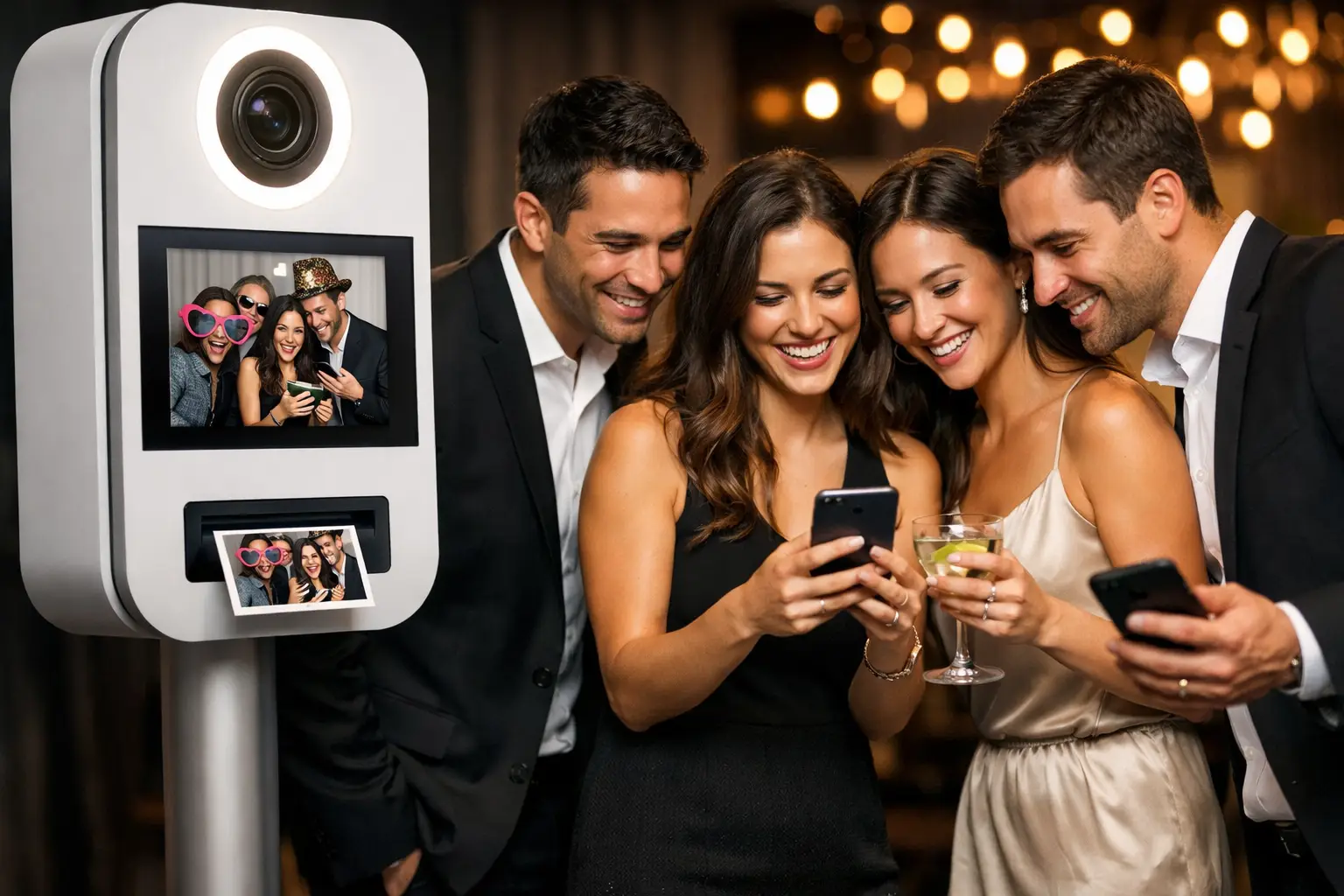
A photo booth with digital sharing allows guests to receive their photographs or videos during the event. Depending on the setup, content may be delivered by email, text message, QR code or an online gallery.
This can operate alongside printed photographs or as a completely digital experience. However, delivery speed and available sharing methods depend on the booth software, internet connection and settings agreed before the event.
What is a photo booth with digital sharing?
A digital-sharing booth sends the completed photograph, GIF or video to the guest’s device. The content is created inside the booth, processed by the software and then delivered through the selected method.
Digital sharing can be available on:
- traditional photo booths;
- Selfie Pods;
- Magic Mirrors;
- open-air booths; and
- 360 video booths.
The content format depends on the booth. A traditional setup may provide still photographs and GIFs, while a 360 booth normally produces short video clips.
How do guests receive their content?
Not every booth offers every delivery method. The supplier should explain which options are available for the selected setup.
Email delivery
Guests enter an email address after completing their session. The booth system then sends a message containing the photograph, video or a download link.
Email works across most smartphones and does not require the guest to install an application. However, the message may occasionally enter a spam or promotions folder.
The delivery screen should explain what guests will receive and whether the address will be used for any other purpose.
Text message delivery
Some systems can send a link by text message. This can be convenient because guests usually notice a text quickly.
Availability can depend on the booth software, supplier account and country settings. The guest may also need a mobile data connection to open or download the content.
QR code delivery
A QR code can appear on the booth or sharing screen once the session is complete. Guests scan the code with their phone and open the photograph or video.
This method can reduce the need to enter contact details. It also allows guests to move away from the booth while saving the content.
The code should relate only to the relevant content or approved gallery. Public access and expiry settings should be discussed in advance.
Online gallery
An online gallery stores photographs or videos from the event in one place. Guests may receive a link during or after the event.
A gallery can be:
- publicly accessible;
- unlisted;
- protected with a password;
- limited to the organiser; or
- available for a fixed period.
The correct setting depends on the event. A private wedding gallery may use a shared password, while an internal company event may require more restricted access.
Does digital sharing require internet access?
Immediate digital delivery normally requires a working internet connection. The booth may use venue Wi-Fi, a dedicated connection or mobile data.
The booth can often continue taking photographs when the connection is unavailable. However, delivery requests may remain queued until internet access returns.
Before the event, check:
- whether venue Wi-Fi is available in the booth area;
- whether a browser login is required;
- whether the signal remains stable with many guests connected;
- whether mobile coverage is available inside the venue; and
- what happens to queued content if the connection fails.
Do not rely only on Wi-Fi available in the reception or lobby. Signal strength should be checked in the actual event room.
What happens if the Wi-Fi fails?
A temporary connection problem should not necessarily stop the booth from operating. Many systems can retain delivery requests and send the content once the connection returns.
The exact behaviour depends on the software and setup. Ask the supplier:
- whether photographs can still be captured offline;
- whether delivery requests are stored;
- when queued messages are sent;
- whether guests need to re-enter their details; and
- whether the gallery is updated later.
An attendant can explain any delay to guests and prevent them from repeating the same request unnecessarily.
Can guests receive prints and digital copies?
Yes, some packages provide both. Guests can take away a printed photograph and receive a digital copy on their phone.
This combination works well for mixed-age audiences. Some guests value an immediate physical keepsake, while others prefer a file they can save or share.
Before booking, confirm:
- whether prints are included;
- whether every print also has a digital version;
- which delivery methods are available;
- whether guests can receive GIFs or videos; and
- whether a complete event gallery is provided.
Digital sharing from a Selfie Pod
A Selfie Pod is designed around a fast digital experience. Guests can take photographs, apply available effects and use the configured sharing method.
LumaBooth filters and customised overlays can create different visual styles. AI background replacement can also place guests into themed or branded scenes without installing several physical backdrops.
Because the pod has a relatively small footprint, it can suit conferences, receptions and venues where a larger booth would restrict guest flow.
Digital sharing from a 360 booth
A 360 booth produces a video file that is normally delivered digitally. The software may apply slow motion, music, overlays and branded opening or closing graphics.
Video files can take longer to process and upload than still photographs. The connection speed and file size may therefore affect delivery time.
Guests should not be promised immediate delivery unless the venue connection and system have been tested. If a delay is possible, the attendant should explain how the video will arrive.
Digital sharing at weddings
At a wedding, digital sharing allows guests to receive informal photographs while the celebration is still taking place. They may send them to friends, family groups or guests who could not attend.
The booth can still provide printed keepsakes and a guestbook. Digital delivery adds another option rather than replacing the physical experience.
Couples should decide whether the complete gallery will be available to every guest. Some may prefer a private gallery that they review before sharing more widely.
A hosted wedding photo booth can be configured around the required combination of prints, digital copies and gallery access.
Digital sharing at corporate events
Corporate booth content can include a company logo, campaign overlay or event message. When guests receive the image or video, the approved branding travels with it.
This may be useful for:
- product launches;
- exhibitions;
- conferences;
- awards evenings;
- staff celebrations; and
- branded activations.
However, receiving an image should remain easy. Requiring guests to complete a long form before delivery can slow the queue and reduce participation.
Gatwick Sound Photo Booth offers corporate photo booth experiences with customised content, digital galleries and consent-conscious data capture options.
Does entering an email address create marketing consent?
No. Entering an email address to receive a photograph does not automatically provide permission for future marketing.
If the organiser wants to offer marketing communication, that choice should be clearly explained and kept separate from content delivery.
Guests should be able to understand:
- why their information is required;
- what will be sent to them;
- whether their information will be stored;
- whether an optional marketing choice is available; and
- who is responsible for the information.
The booth should collect only the information needed for the agreed purpose.
How should gallery privacy be managed?
Gallery access should be agreed before the event. Consider whether guests should be able to view only their own content or browse photographs from the entire event.
Questions to ask include:
- Is the gallery public, private or password-protected?
- Can search engines find the gallery?
- Who receives the gallery link?
- Can individual photographs be removed?
- How long will the content remain available?
- Can guests download full-resolution files?
Private and corporate events may require more restricted settings than a public brand activation.
Can digital content be branded?
Yes. Branding or personalisation can be added through overlays, frames, filters, animations and end screens.
Wedding content might include names, the event date and colours matching the stationery. Corporate content may use approved logos, campaign graphics or an event hashtag.
The design should leave enough space for the guests. Large logos and excessive text can make content less attractive and reduce the likelihood that people will keep or share it.
What affects the quality of shared content?
Fast delivery does not matter if the photograph or video looks poor. Content quality depends on:
- lighting;
- camera position;
- backdrop selection;
- guest spacing;
- overlay design;
- video processing; and
- the condition of the final file.
Review a sample design before the event. Corporate organisers should check logo placement, while couples should confirm names, dates and colours.
Why an attendant helps
An attendant can keep the booth moving while helping guests with the sharing process. They can explain where to enter details, how to scan a QR code and what to expect if the venue connection is slow.
This prevents the sharing screen from becoming a bottleneck. It also gives guests an immediate point of contact if their content does not arrive.
Questions to ask before booking
Ask the booth supplier:
- Which digital sharing methods are available?
- Does sharing require venue Wi-Fi?
- What happens if the connection fails?
- Can guests receive prints as well?
- Are still images, GIFs and videos supported?
- Can the content be branded or personalised?
- Is an online gallery included?
- What privacy settings are available?
- How long is the content retained?
- Is an attendant included?
Choose the sharing options before the event
A photo booth with digital sharing can provide quick access to photographs and videos, but the process should be planned rather than assumed.
Confirm the available delivery methods, test the venue connection and agree on the gallery and privacy settings. This gives guests a clearer experience and helps the organiser understand how content will be handled.
View the available photo booth options or request a custom quote for your event.