
Retail Activation Booth: A Practical In-Store Planning Guide
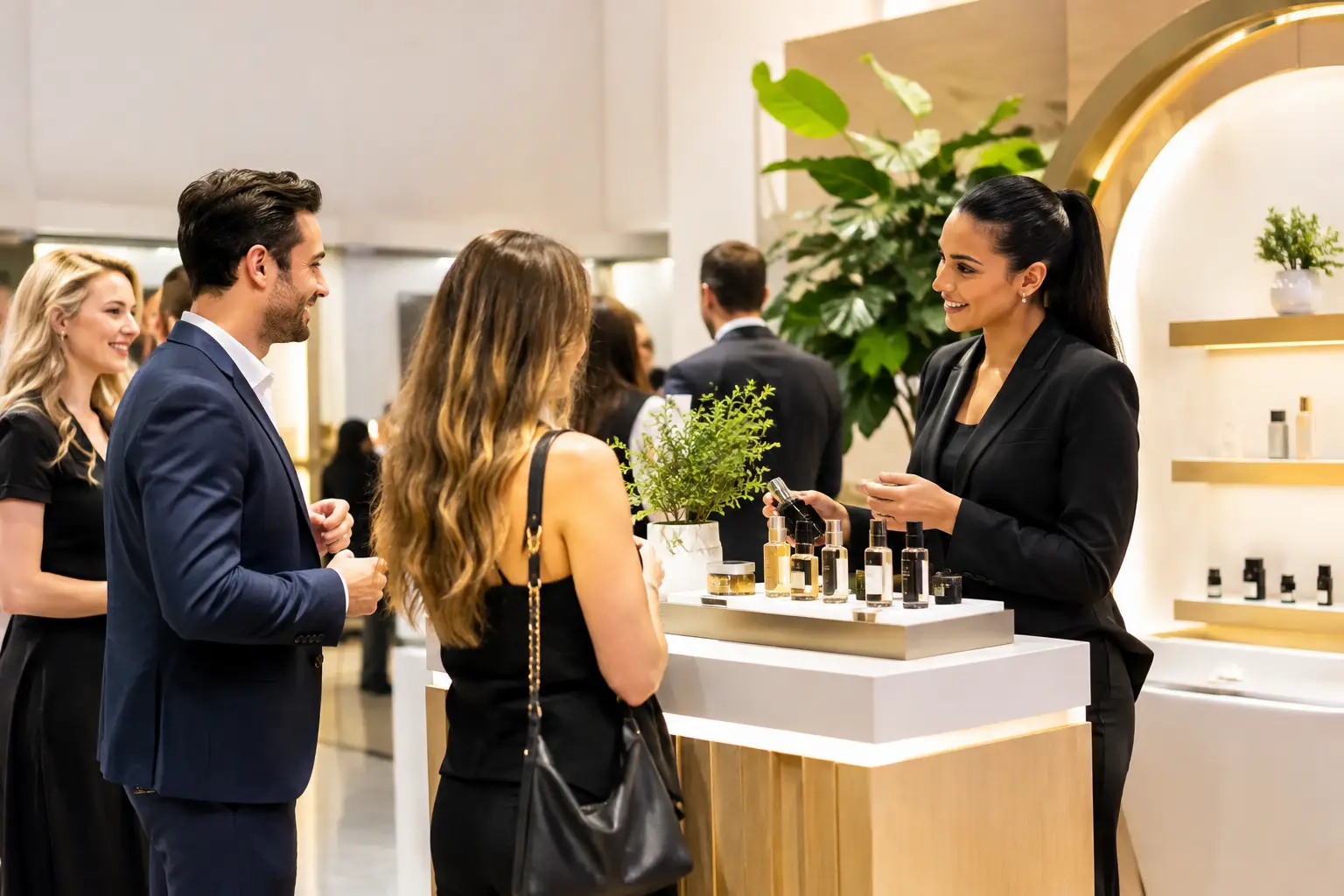
A retail activation booth gives shoppers something to do as part of a store opening, product launch or seasonal event. A branded photograph or short video can create a useful pause in the shopping journey, provided the experience is easy to understand and fits the space.
The aim is to make participation appealing without obstructing customers who are browsing, paying or passing through. That calls for a clear photo concept, practical positioning and professional guest support, rather than simply placing a camera beside a product display.
This guide explains how to plan a retail photo experience, from the customer’s first approach to the finished photograph or video.
Give the retail activation booth one clear purpose
Start with the occasion. Are you welcoming customers to a new store, introducing a product or creating a festive photo opportunity during a shopping event?
Then decide what visitors should enjoy. A printed keepsake, a portrait against campaign artwork and a short 360 video are different experiences. Choose the output before deciding which equipment to use.
Keep the invitation simple enough to understand while walking past. “Create your launch-day portrait” explains an activity more clearly than a long list of technical features. The store team should also know who can take part and whether the experience has any booking or participation conditions.
A booth can support customer interaction, but it does not guarantee increased footfall, purchases or social shares. Set realistic objectives around the activity you can actually deliver.
Choose a format that fits the shop floor
The equipment is only part of the space needed. Allow room for guests to pose, staff to help and other shoppers to move past comfortably.
Selfie Pod for a compact photo area
A Selfie Pod can suit a smaller activation area where an open layout matters. It gives visitors a visible place to gather for photographs without an enclosed cabin.
Its compact design does not remove the need for posing distance, a suitable background and a clear waiting area. Agree on print arrangements and digital sharing methods for the chosen package.
Everybooth ICON for a design-led presentation
The handcrafted Everybooth ICON can suit a store event where the equipment’s appearance forms part of the presentation. Its rear display provides an additional branding opportunity; this feature is exclusive to the ICON.
Think about which way the booth will face and where customers will first see it. Screen artwork should complement the surrounding product displays rather than compete with every sign in the store.
Mirrors and 360 video for a more prominent experience
The Magic Mirror offers a full-length touchscreen mirror experience with instant printed photographs. The wooden Retro Mirror gives a different visual style for a carefully arranged photo area. Both need a layout that accommodates guests and the equipment comfortably.
The 360 Video Booth creates digital video rather than printed photographs. It needs an appropriate operating area and supervised participation, so it should not be squeezed into a narrow aisle simply because it looks striking in a promotional clip.
Professional staff are part of our service across these formats. Hosting is not a separate machine type or an optional assumption in the planning.
Build the photo concept around the product
Give visitors a reason to step into the photograph. For a store opening, that could be a launch-day portrait with the store identity on the finished image. For a seasonal campaign, it could be a photo area that follows the window display’s colours and styling.
These are planning ideas, not claims about previous client campaigns. The concept should suit the actual product, audience and available space.
Keep branding legible without covering the guest’s photograph. Depending on the selected experience, options may include print artwork, screen graphics, a branded backdrop or video overlays. These are not identical inclusions across every booth and package.
AI treatments can also be available with the Selfie Pod, ICON and mirror-based setups. Discuss the intended visual result before assuming a particular effect will work with every format. Agree on the creative treatment and review artwork before the event.
For wider branding considerations, see our guide to branding a photo booth.
Keep the customer route clear
Walk through the experience from the shopper’s perspective: notice the activity, understand the invitation, join, take part and collect the finished content.
Avoid putting the waiting area across a checkout queue, store entrance or route to another concession. Customers carrying bags, accompanying children or using mobility aids need a practical way to approach and leave the photo area.
If sampling, product demonstrations or conversations with brand ambassadors are part of the event, agree on their sequence. A product introduction followed by a photograph may work well, but the booth team should not have to improvise the campaign journey on the day.
Our staff operate the equipment and assist guests. The brand or store team should manage product advice, sales conversations and any separate promotional activity.
Decide how shoppers will receive their content
Printed photographs give visitors a physical keepsake. Digital delivery offers another way to retain the image or video, with the available methods depending on the chosen system and venue connectivity.
An online gallery is part of our service. Agree on the access and delivery arrangements for the event, and distinguish this from any separate request to collect customer details for a campaign.
Receiving a photograph should not be presented as automatic permission for unrelated marketing. If data capture is requested, the fields, guest information and handover arrangements need to be agreed before the activation.
Avoid promising that every visitor will post their image publicly. Make the content enjoyable and the sharing process clear, while leaving guests to decide what they do with it.
Confirm access, power and operating hours
Stores and shopping centres can have specific delivery routes and installation windows. Share the location, unloading arrangements, stairs or lift restrictions, and the time the photo area must be ready.
Check the proposed position for power, lighting and connectivity. Strong sunlight, glass shopfronts and reflective displays can influence how the photograph looks. A floor plan and a photograph of the area are useful starting points.
Separate booth operating hours from setup and removal. A two-hour customer event can still require access before opening or after the shop floor is clear. Confirm any supplier documents requested by the venue early enough for its approval process.
Plan your retail photo experience
Gatwick Sound provides staffed photo and video experiences across London, Sussex, Surrey and Kent. Our corporate photo booth page explains the available equipment and creative options.
You do not need to choose a booth before enquiring. Send your event date, store or venue, approximate audience, operating hours and branding ideas. We can then discuss an appropriate setup and prepare a tailored quote.
Get a Quote for your store opening, product launch or retail event.