
Prom Entertainment Planning Checklist for Schools
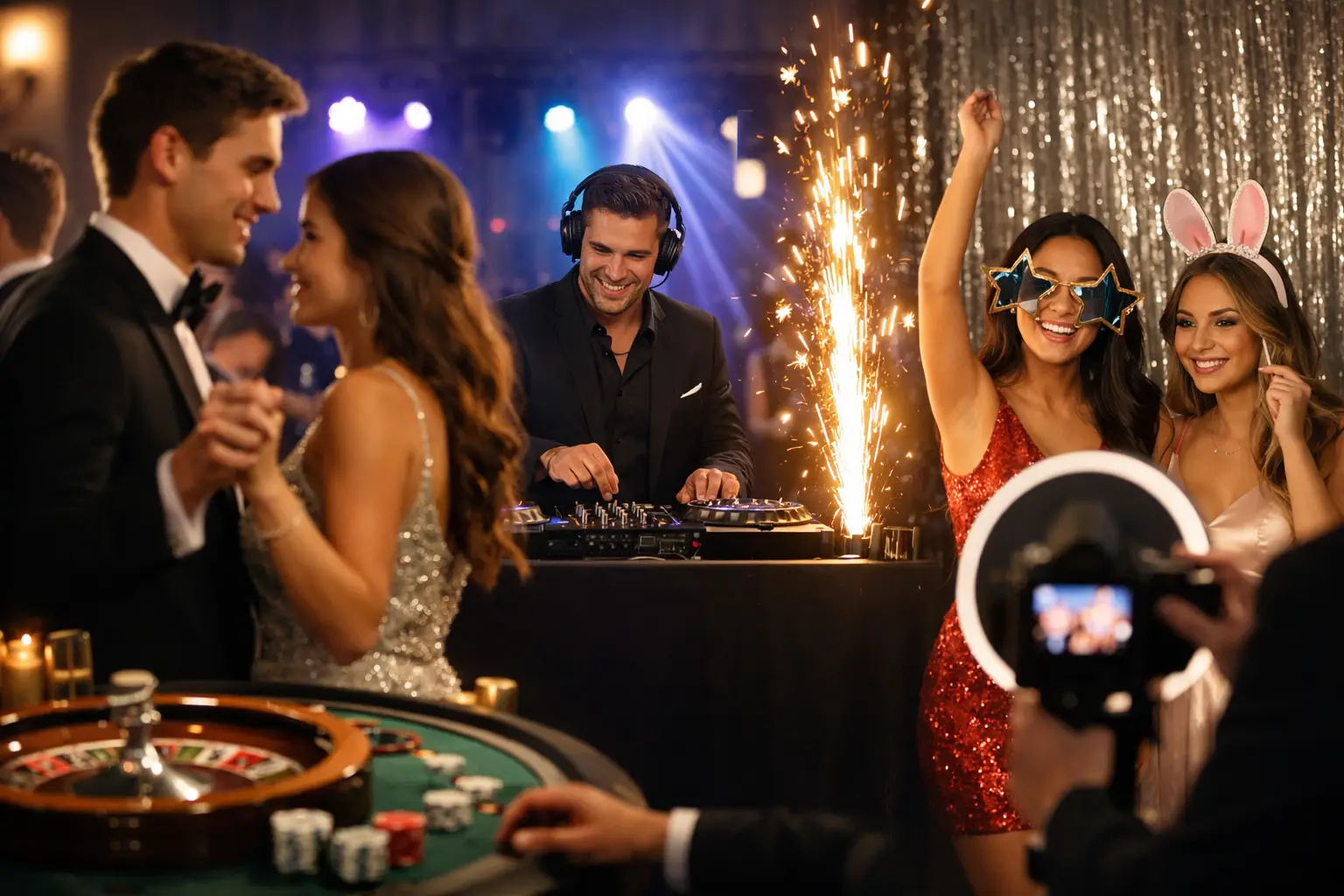
Prom entertainment needs to be exciting for students and manageable for the people organising the event. Music, photo booths and other activities should fit the venue, timetable and school requirements without creating congestion or distracting from important moments.
This prom entertainment planning checklist covers the practical decisions schools, committees and organisers should make before confirming suppliers.
1. Confirm the guest numbers
Start with an estimated number of students, staff and other invited guests. This affects the venue layout, entertainment capacity and time needed for activities.
A photo booth serving a smaller year group may operate comfortably for part of the evening. A larger prom may need a longer hire period, faster booth format or more space for queues.
Guest numbers also help the DJ understand the size of the room and the sound system required.
2. Create a simple running order
The entertainment should be planned around the structure of the evening. Even a relaxed prom normally includes several scheduled moments.
The running order may include:
- guest arrivals;
- a welcome or introduction;
- food service;
- awards or announcements;
- formal photographs;
- photo booth operating times;
- dancing; and
- the final collection time.
Every supplier should receive the same timetable. This reduces the risk of the photo booth opening during an announcement or the DJ beginning a high-energy set before dinner has finished.
3. Decide what the entertainment needs to achieve
Different entertainment options solve different problems. A DJ controls the atmosphere and gives students a central activity. A photo booth provides an alternative for guests who are not dancing. Meanwhile, a 360 booth creates short videos for students who enjoy performance-led content.
Before booking, decide whether the priority is:
- keeping the dance floor active;
- providing printed keepsakes;
- creating digital photographs or videos;
- giving quieter guests another activity;
- supporting the arrival experience; or
- offering several entertainment zones.
The event does not need every available option. One well-managed booth and an experienced DJ may work better than several activities competing for limited space.
4. Match the booth to the students and venue
A traditional photo booth is familiar and easy to use. It can provide instant prints and accommodate friendship groups throughout the evening.
A Magic Mirror creates a more visible feature and allows students to see their full-length pose. This can suit formal venues and events where outfits and group photographs are important.
A Selfie Pod has a smaller footprint and supports fast digital content. It may be appropriate when space is limited or when the booth needs to operate near a reception area.
A 360 booth creates movement-led videos. However, it requires a larger operating area, active supervision and enough surrounding space for students who stop to watch.
The separate guide to the best prom entertainment ideas can help organisers compare the creative options before working through the practical checklist.
5. Check the venue layout
Ask the venue for a floor plan or visit the room before confirming the entertainment. Equipment photographs do not always show the full working footprint.
The booth area may need room for:
- the equipment and backdrop;
- students posing in groups;
- a booth attendant;
- the printer or sharing station;
- a waiting queue; and
- safe access around the setup.
Entertainment should not block entrances, fire exits, catering routes or access to the dance floor. The DJ and booth also need enough separation to prevent queues from mixing with dancing students.
6. Confirm access for setup
Suppliers need to know how equipment will enter the venue. Confirm the unloading point, parking arrangements and distance to the event room.
Tell suppliers about:
- steps and staircases;
- narrow corridors;
- door widths;
- available lifts;
- restricted setup periods; and
- the time equipment must be removed.
Large Magic Mirrors and 360 platforms need more careful access planning than a compact Selfie Pod. Accurate information avoids delays on the day.
7. Check power and internet access
The DJ, booth, lighting and printer may need separate power connections. Ask the venue which sockets and circuits suppliers can use.
Cables should not cross guest routes unless they can be secured safely. The final booth and DJ positions should therefore be confirmed before setup begins.
Digital photo or video sharing may also depend on venue Wi-Fi or mobile signal. Test the connection inside the event room rather than assuming that reception-area Wi-Fi will work everywhere.
If the connection is unreliable, content may need to be queued and delivered when internet access becomes available.
8. Plan the music properly
A prom DJ needs more than a general request to play current music. The organiser should discuss the age group, school expectations, event timetable and approach to song requests.
Useful points to confirm include:
- arrival and background music;
- music during food service;
- the main dance period;
- requested tracks;
- songs or versions that should not be played;
- how announcements will be handled; and
- the final song and finish time.
A professional event DJ can adjust the music according to the room rather than relying on a fixed playlist from beginning to end.
9. Decide when the booth should operate
The booth does not always need to run for the entire event. Opening it during arrivals can give students an immediate activity, but it may also clash with formal entrance photographs.
Another option is to open the booth after food or awards, when students are ready to move around the room.
Avoid starting the booth during:
- important announcements;
- award presentations;
- formal group photography;
- a scheduled performance; or
- another activity requiring everyone’s attention.
The operating period should give students enough time to use the booth without pulling attention away from the main programme.
10. Plan for queues and group photographs
Prom photographs often involve larger friendship groups. The booth position and backdrop should allow those groups to gather without blocking other guests.
A hosted booth can keep the queue moving by preparing the next group while the current photographs are processed. The attendant can also explain how many people can use the setup safely.
If the guest list is large, discuss expected capacity with the supplier. Extending the operating time may be more effective than adding another activity.
11. Agree on print and digital designs
Prom booth content can include the school or event name, date and coordinated colours. The design should remain simple enough for the photographs to stay clear.
Before approving the artwork, check:
- the spelling of the school and event name;
- the date;
- logo quality and placement;
- colour contrast;
- the size of the photographs; and
- how the design looks on a phone screen.
If a school logo is used, make sure the organiser has supplied the correct approved version.
12. Confirm how digital content is handled
Ask whether students receive images through email, text message, QR code or an online gallery. The school should understand how the content is stored and who can access it.
If contact information is entered to deliver an image, that process should not automatically add students to future marketing lists. Any additional consent should be clear and separate.
The organiser may also want a private rather than public gallery. Agree on access settings before the event.
13. Discuss supervision and staff responsibilities
The school, venue and entertainment suppliers should understand who is responsible for each part of the event.
A booth attendant manages the equipment and helps students use it. They do not replace the school or venue staff responsible for the wider event.
Confirm:
- who the lead organiser is;
- which staff member suppliers should contact;
- who manages students and general behaviour;
- who can approve timetable changes; and
- what happens if the event needs to finish early.
Clear roles make it easier to respond quickly if the schedule or room layout changes.
14. Request the required supplier documents
Ask the school and venue which documents they require from entertainment suppliers. Requirements may vary between organisations and locations.
They may request items such as:
- public liability insurance details;
- electrical safety information;
- risk assessments;
- method statements; or
- supplier contact details.
These should be requested early enough for the venue or school to review them before the event.
15. Check what is included in the booking
Do not compare entertainment packages only by the headline hire time. Confirm whether each booking includes:
- delivery and collection;
- setup and testing;
- an on-site attendant;
- prints or digital sharing;
- custom artwork;
- a backdrop;
- lighting;
- travel charges; and
- time for equipment removal.
This provides a clearer comparison and reduces the chance of unexpected additions later.
16. Book key suppliers early
Proms often take place across a relatively small number of dates. DJs and booth suppliers may therefore receive several enquiries for the same evenings.
Confirm the venue, approximate guest numbers and preferred entertainment before requesting availability. Booking early gives the organiser more choice of booth format and operating time.
Final prom entertainment check
Before the event, confirm that:
- all suppliers have the final running order;
- access and parking information has been shared;
- booth and DJ positions have been agreed;
- design proofs have been approved;
- power and internet requirements are understood;
- required documents have been supplied; and
- the organiser has an emergency contact for each supplier.
Gatwick Sound Photo Booth provides photo booths, Magic Mirrors, Selfie Pods, 360 video experiences and DJ services for proms across London, Sussex, Surrey and Kent.
You can compare the available event entertainment services or request a custom quote for your prom date, venue and expected guest numbers.