Corporate 360 Video Booth Guide for Event Planners
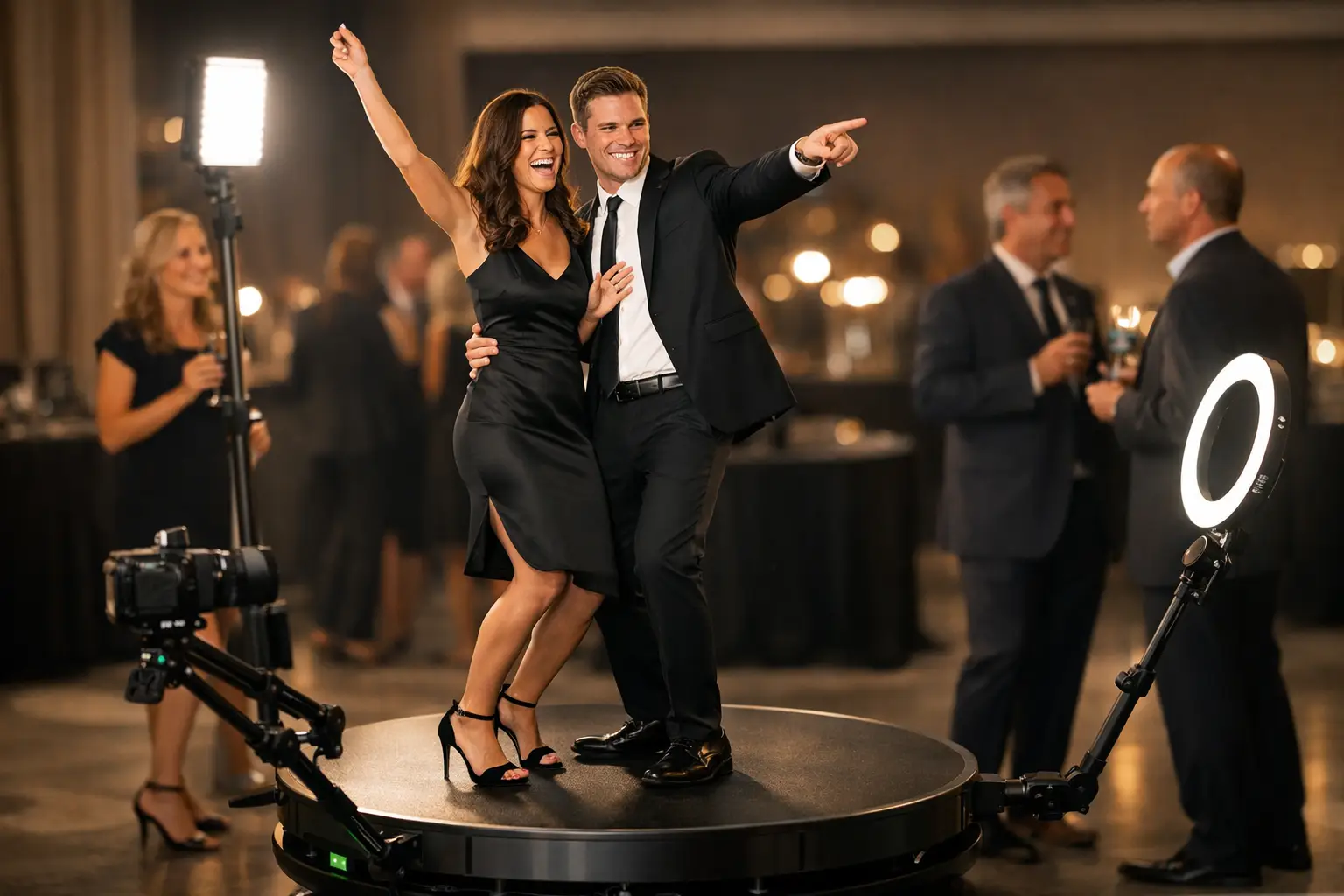
A 360 booth can quickly become one of the busiest parts of a corporate event. However, successful participation depends on more than placing a platform in the room.
This corporate 360 video booth guide covers the practical decisions behind the experience. These include venue access, operating space, branding, guest flow, hosting and digital delivery.
When does a 360 booth work well?
A 360 booth creates short moving clips while a camera arm travels around the guests. The movement makes the experience visible across the room and encourages other people to watch before joining in.
It can be suitable for:
- awards evenings;
- company celebrations;
- product launches;
- Christmas parties;
- client receptions; and
- socially focused conference events.
The format works best when guests have time to participate and the event calls for energetic digital content. It may be less suitable for a quiet seminar, a tightly scheduled conference or a venue with very limited floor space.
Organisers comparing several formats can read our photo booth versus 360 booth guide.
Start with the purpose of the activation
Before choosing graphics or effects, decide what the booth needs to achieve. A staff celebration may simply need an entertaining group activity. A product launch may require branded content that guests can share.
Possible objectives include:
- encouraging interaction between guests;
- creating content connected to a campaign;
- supporting employee recognition;
- adding energy to an evening reception; or
- giving attendees a memorable branded experience.
The objective affects the branding, operating time and sharing process. It also helps prevent unnecessary features from being added simply because they are available.
Calculate the complete operating space
The platform is only one part of the required area. Space is also needed for the rotating camera arm, booth host, waiting guests and digital-sharing station.
The installation should not obstruct:
- fire exits or emergency routes;
- entrances and registration areas;
- access to the bar or catering stations;
- the dance floor;
- venue staff routes; or
- other event installations.
A visible position usually encourages participation. However, placing the booth beside another busy feature can create congestion. The best location allows guests to watch and join the experience without blocking the rest of the room.
Confirm venue access before booking
Corporate venues often have strict loading times and access procedures. Central London locations, upper-floor function rooms and historic buildings can present additional challenges.
Provide the supplier with information about:
- loading and parking arrangements;
- stairs, lifts and doorway widths;
- the distance between unloading and the event room;
- security or contractor registration;
- permitted setup and removal times; and
- available power supplies.
Photographs and measurements of the access route can help identify problems before the event. This is particularly valuable when several suppliers must complete their installations within the same short setup window.
Plan safe platform use
A 360 booth should stand on a flat and stable surface. Guests also need a clear entry and exit point so they do not step into the path of the moving camera arm.
The host should control group sizes and explain when it is safe to enter or leave the platform. Loose bags, drinks and other objects should remain outside the operating area.
These details should be considered during the floor-plan stage. Trying to solve them after guests arrive can reduce participation and disrupt the event.
Match the experience to the audience
A 360 booth asks guests to perform for a moving camera. Some audiences enjoy this immediately, while others may prefer a simpler photography experience.
Staff parties and awards evenings often suit the energetic format. Guests are usually relaxed, dressed for the occasion and willing to participate in groups.
For a formal conference or a reception where people have limited time, a Selfie Pod may provide faster participation. A Magic Mirror can be another option when full-length photographs and printed keepsakes are more important than video.
Create branding guests will want to share
Corporate branding should support the finished clip without covering the guests. A clean digital frame, event logo or short campaign message is often more effective than filling every available space.
The design can reflect:
- company colours;
- event artwork;
- a product or campaign identity;
- sponsor branding; or
- the theme of an internal celebration.
Artwork should be prepared and approved before the event. This gives enough time to test its position, legibility and appearance on different screen sizes.
Decide how guests will receive their videos
Digital delivery should feel straightforward. Depending on the setup, guests may access their clips using a QR code, email or another approved sharing method.
If immediate delivery is required, check the venue’s internet connection in the exact area where the booth will operate. Guest Wi-Fi may be restricted, slow or unavailable to event suppliers.
A backup process is useful when connectivity is uncertain. Videos can still be captured during the event and made available through a gallery afterwards, subject to the agreed sharing and privacy arrangements.
Handle data collection carefully
Some events connect content delivery with consent-based data capture. This can support a competition, campaign or agreed follow-up activity.
Guests should be told clearly what information is being collected and how it will be used. The process should also remain proportionate to the value they receive.
A long form can discourage participation and slow the queue. If lead capture is not a genuine event objective, a simpler delivery journey may work better.
Use hosting to manage guest flow
A booth host does more than operate the equipment. They welcome guests, explain the process, manage group sizes and keep the activation moving.
They can also help quieter guests feel comfortable without placing pressure on them. Once the first few groups participate, the resulting activity often attracts more people naturally.
At a busy event, the host should balance speed with the quality of each clip. Rushing guests can produce disappointing results, while allowing every group too much preparation time can create an unnecessary queue.
Choose the right operating time
The booth does not always need to run throughout the entire event. Opening it during the busiest participation window can create a better result.
For an awards evening, this may be after dinner and formal presentations. At a company party, it may work best once most guests have arrived but before the dance floor becomes the main focus.
Avoid launching the booth during registration, speeches or food service unless it occupies a completely separate area. Guests are less likely to participate when their attention is required elsewhere.
Corporate 360 booth planning checklist
Before confirming the booking, check:
- the purpose of the activation has been agreed;
- the audience is likely to enjoy a motion-led experience;
- the venue has enough operating and queue space;
- the complete access route has been confirmed;
- a suitable power supply is available;
- the branding artwork has been approved;
- the sharing method has been selected;
- venue connectivity has been considered;
- privacy and consent requirements are clear; and
- the operating time fits the event schedule.
Plan your corporate 360 experience
A successful 360 booth should fit the room, audience and purpose of the event. Careful planning allows the experience to create energy without causing congestion or distracting from the main programme.
Gatwick Sound Photo Booth provides hosted corporate booth experiences across London, Sussex, Surrey and Kent. Explore our corporate event photo booth options, or Get a Quote for your event.